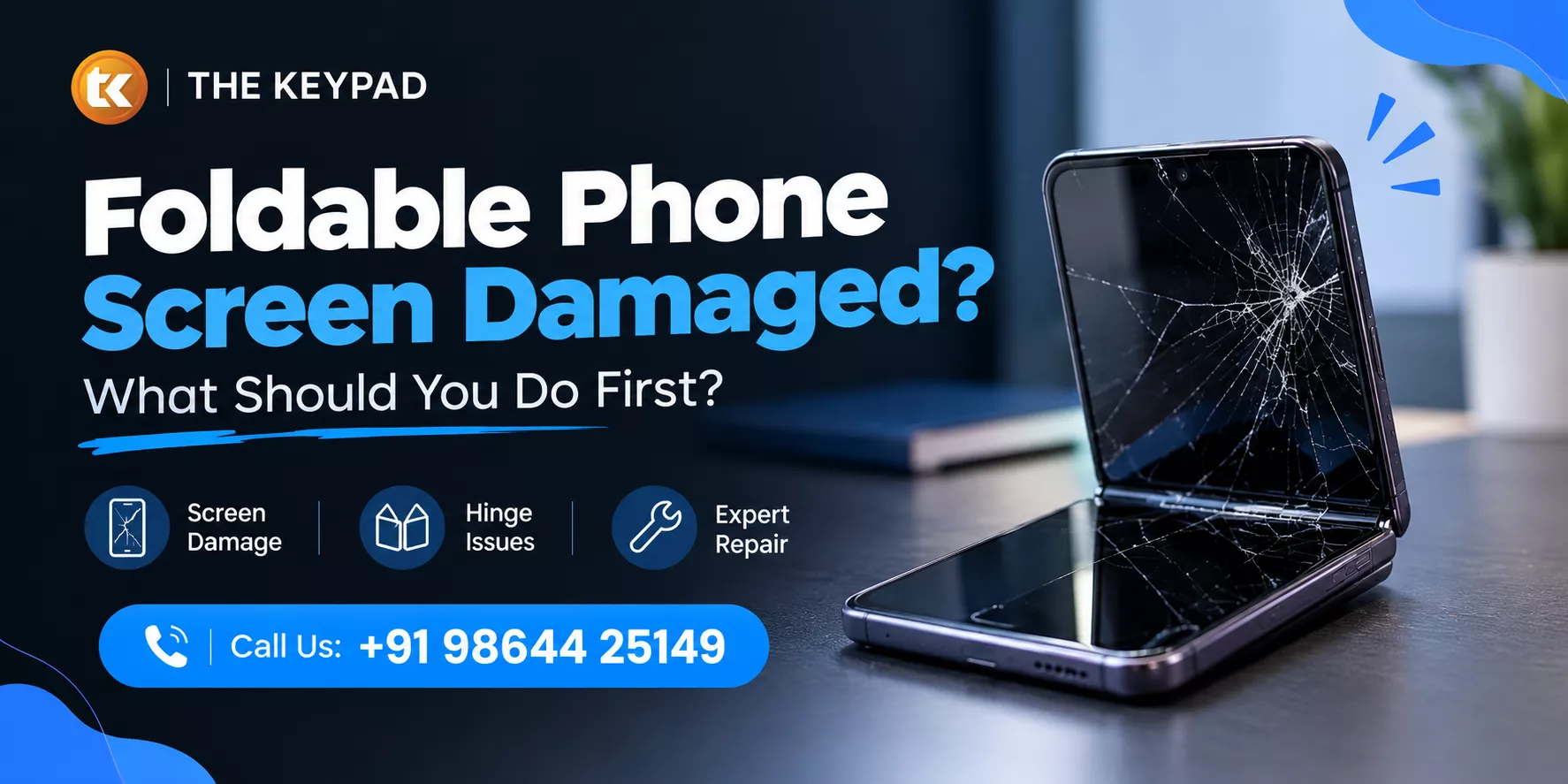
Did your foldable phone take a fall and now the inner screen looks different? You may notice a black spot, a new line or flickering when you open the phone. Sometimes, part of the touchscreen stops responding even though the phone still turns on.
We've seen customers worry about these problems after a drop. The first thing we recommend is simple: stop using the phone unnecessarily. A foldable phone screen is built differently from a regular smartphone display, so rough handling can create more problems. If you're in Guwahati, a mobile repairing shop in Guwahati can help with a proper diagnosis when needed. Before that, here's what you should do.
Start by backing up your data if the phone is still usable. Save important photos, contacts, documents and other files while you can access them.
Then stop testing the screen. Repeatedly opening and closing the phone won't tell you much about the fault and may put more stress on the damaged area. If the display is severely flickering, showing a large black patch or has stopped responding, switch the phone off.
Keep the device somewhere safe until you know what has happened. Don't place it under heavy objects or inside a tightly packed bag where the display could be pressed.
These first steps are mainly about keeping the situation from getting worse.
A damaged display can show up in several ways.
Cracked screen: A visible crack after a drop or impact usually indicates physical damage.
Black spots: A dark patch that wasn't there before may mean the display panel has been affected internally.
Screen lines: New horizontal or vertical lines can appear after an impact or an internal display fault.
Screen flickering: Flashing, dimming or sudden changes in the display can point to a display problem, especially when they start after a fall.
Unresponsive touchscreen: If only part of the screen stops responding, the touch layer may have been affected.
Screen crease: A visible crease isn't automatically a fault. Some creasing is expected with foldable phones. A sudden change in the crease along with other display symptoms is more concerning.
These signs help us understand what may have happened, but only proper testing can confirm the exact cause.
Sometimes the problem isn't the display itself. The foldable screen protector can also develop bubbles, lift around the edges or start peeling near the folding area.
Don't pull it off or try to stick it down with glue. The protective film used on many foldable phones is designed for the device and isn't the same as a regular tempered-glass protector.
If the film starts lifting, it's best to have it checked before attempting anything yourself. This can help determine whether you're dealing with protector damage or a problem underneath it.
The hinge deserves attention after a significant drop. It controls the movement of the two halves of the phone and can develop problems even when the screen damage isn't obvious.
Look out for changes such as:
● The phone becoming harder to open
● Uneven movement while opening
● Clicking or grinding sounds
● The phone not closing properly
● A change in the way the display behaves while folding
If you notice any of these signs, don't force the mechanism. A hinge fault can be different from a display fault and may need a separate repair.
A quick DIY fix can seem appealing when the phone still works. With foldable devices, however, it can create more trouble than it solves.
Avoid using glue, heat or sharp tools around the display. Don't try to push out black spots or remove the inner protective film. Opening the phone also requires the right tools and experience.
When we handle a foldable phone repair, we first identify the affected component. The display, touch layer, protective film, hinge and internal connections may all need to be checked. Depending on the fault, the solution could be foldable screen repair or foldable screen replacement.
Some problems are a clear sign that the phone needs attention.
Get it checked if new lines or black spots continue to appear, the touchscreen stops responding, the display keeps flickering or the phone no longer folds normally. A strong impact is also a good reason to have the device examined if you notice a change afterwards.
At The Keypad, we inspect the phone before recommending a repair. This helps us understand what has actually failed rather than assuming that every display problem requires a complete replacement.
If you're choosing a mobile repairing centre in Guwahati, ask what will be checked and whether the technician will explain the fault before starting the repair.
Foldable phones need careful handling, so experience matters.
Before handing over your device, check whether the repair service:
● Inspects the phone before starting work
● Has experience with smartphone display repairs
● Handles the inner screen carefully
● Explains the fault clearly
● Tests the device after repair
If you're searching for the best mobile repairing shop in Guwahati, don't choose based on price alone. A good professional phone repair service should make it clear what needs to be repaired and why.
A damaged foldable phone doesn't always mean the display needs to be replaced. Back up your data, stop unnecessary use and pay attention to changes in the screen or hinge. Avoid trying to repair the inner display yourself.
If the problem continues, bring the phone in and let us take a look. At The Keypad, we'll check what's actually wrong before suggesting any repair. If you're looking for a mobile repairing shop in Assam, it's better to have a foldable phone checked by someone who knows how to handle these delicate displays.