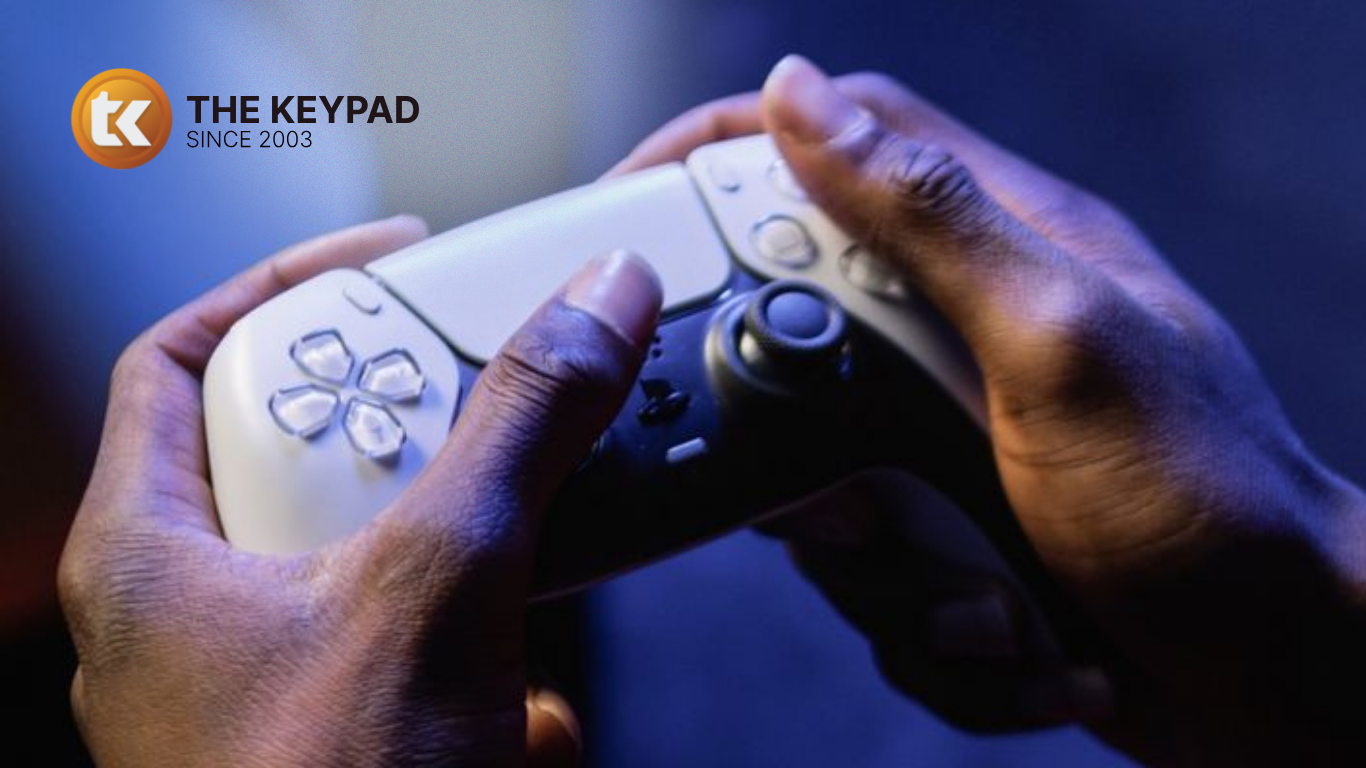
There is nothing more frustrating than sitting down for a gaming session, only to find that your PS4 joystick is not responding properly. Your character may move on its own, the camera may keep turning or the joystick may simply refuse to move in one direction. Before you think about buying a new controller, it is worth finding out what is actually causing the problem. As a trusted gaming console repair service in Guwahati, we regularly repair PlayStation consoles and controllers and joystick issues are among the common problems we handle. Here are some possible causes and what you can do about them.
Why Is Your PS4 Joystick Not Working?
Hours of gaming, repeated movements, the odd drop; controllers take a beating over time. Here are the four most common reasons a PS4 joystick starts acting up.
1. Joystick Drift
Drift is when the joystick registers movement you didn't make. The character walks by itself, the camera keeps turning or menus scroll without you touching anything. It makes the game almost impossible to play. It's usually caused by the internal joystick mechanism wearing down over time. Cleaning can fix it in early stages, but if the wear is significant, the joystick component itself needs to be repaired or swapped out.
2. Dust and Dirt Build-Up
Every time you use the controller, it picks up dust, sweat and grime, especially around the joystick base. When enough of it builds up, the joystick starts to feel stiff, sticky or it doesn't snap back to centre the way it should. PS4 joystick repair shop in Guwahati opens the controller and cleans it properly with the right tools.
3. Physical Damage
A drop or a knock can shift the joystick mechanism or disconnect something internally. If the joystick feels loose, gets stuck, won't move in one direction or moves unevenly, there's a fair chance something got damaged on impact. Resetting the controller won't fix this. It needs to be opened up and looked at properly.
4. Connection or Software Issues
Sometimes the joystick is fine it's a connection or software problem. The PS4 may not be reading the controller correctly, or a glitch is causing odd behaviour. Try reconnecting the controller via USB and using the reset button on the back. If that doesn't sort it, something internal is likely the issue.
Simple Things to Try Before Coming to Us
Run through these steps first; they fix the problem more often than you'd think:
If none of that works, come to the PS4 repair centre in Guwahati. Trying to force a fix at home can make things worse.
How The Keypad Handles PS4 Joystick Repairs
Every controller that comes in gets a proper inspection first; we find out what's actually wrong before recommending anything.
Depending on what we find, the repair could involve:Internal cleaning
Once we're done, the controller is tested in all directions before it goes back to you.
Repair or Replace, Which Makes More Sense?
If the problem is just the joystick, repair is almost always the smarter option. It costs less and a properly repaired joystick works just as well as a new one. But if the controller has taken serious damage overall.
Conclusion
A joystick that's drifting or not responding properly doesn't mean the controller is finished. Drift, dirt, physical damage and connection issues are all fixable and in most cases, a repair is all it takes to get back to gaming. If your PS4 controller is giving you trouble, bring it to The Keypad. PlayStation repair shop in Assam check it, tell you exactly what's wrong and fix it properly. Walk-ins are welcome anytime or call us to arrange a pickup.